
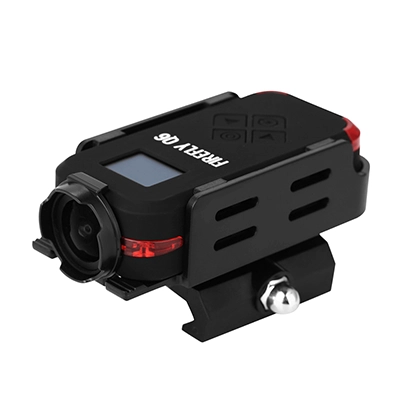
FIREFLY Q8L Camera Signal Lights Guide: What Each Color & Blink Means
Published:
2026-02-11 17:14:51
Learn what each color and blink of the FIREFLY Q8L camera signal light means—green, blue, red lights for recording, charging, slow motion, photo mode & more. Understand your camera‘s status instantly.
A Quick Overview: Why the FIREFLY Q8L Signal Light Matters
Decoding Your FIREFLY Q8L Signal Light: Color & Blink Meanings
Green Light Indicators (Recording & Power Status)
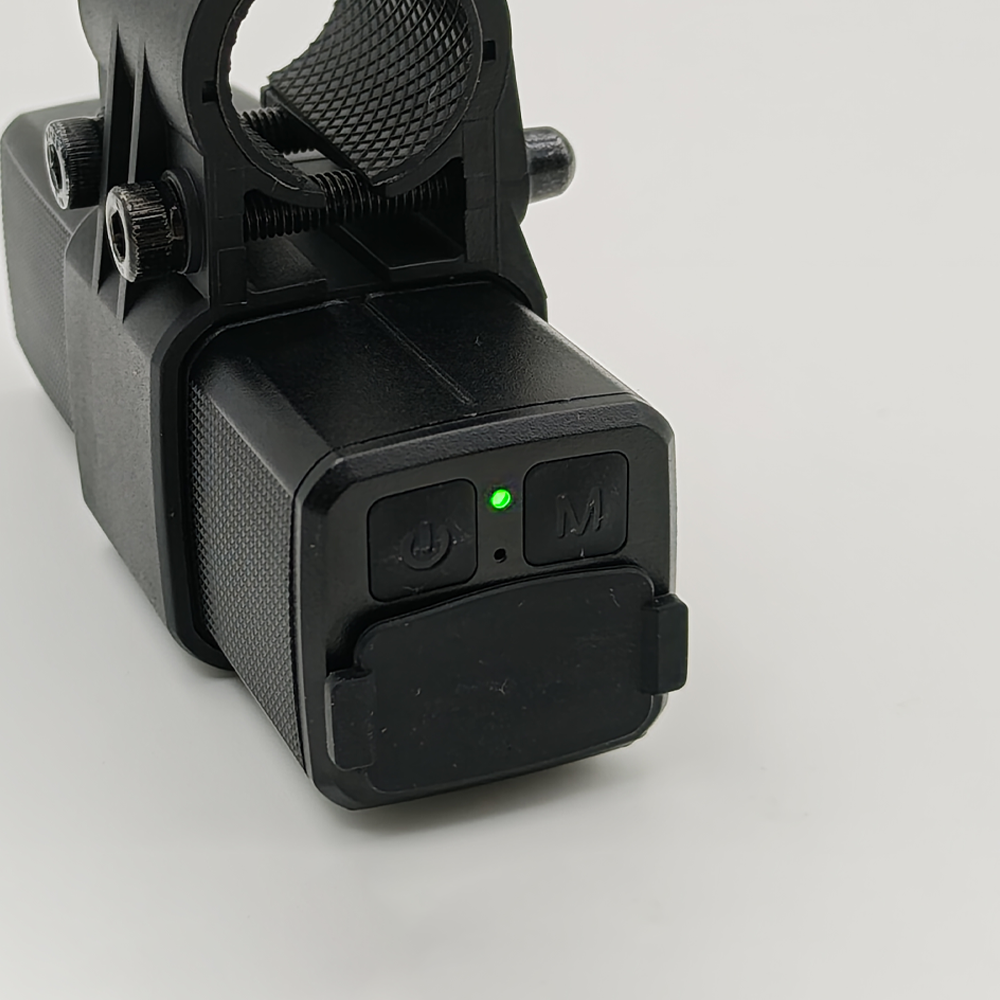
- Steady Green Light: The camera is in Record Video Mode and is waiting for you to start recording. It’s ready to capture footage as soon as you initiate recording.
- Flashing Green Light: The camera is currently recording video. Keep the camera stable and avoid interrupting it until you’re ready to stop recording.
Rapidly Flashing Green Light (3 seconds when turning on): The battery power is too low (below the minimum startup voltage). The camera cannot turn on—please charge it immediately to use it again.
Blue Light Indicators (Modes: Power-Saving, Slow Motion, Photo)
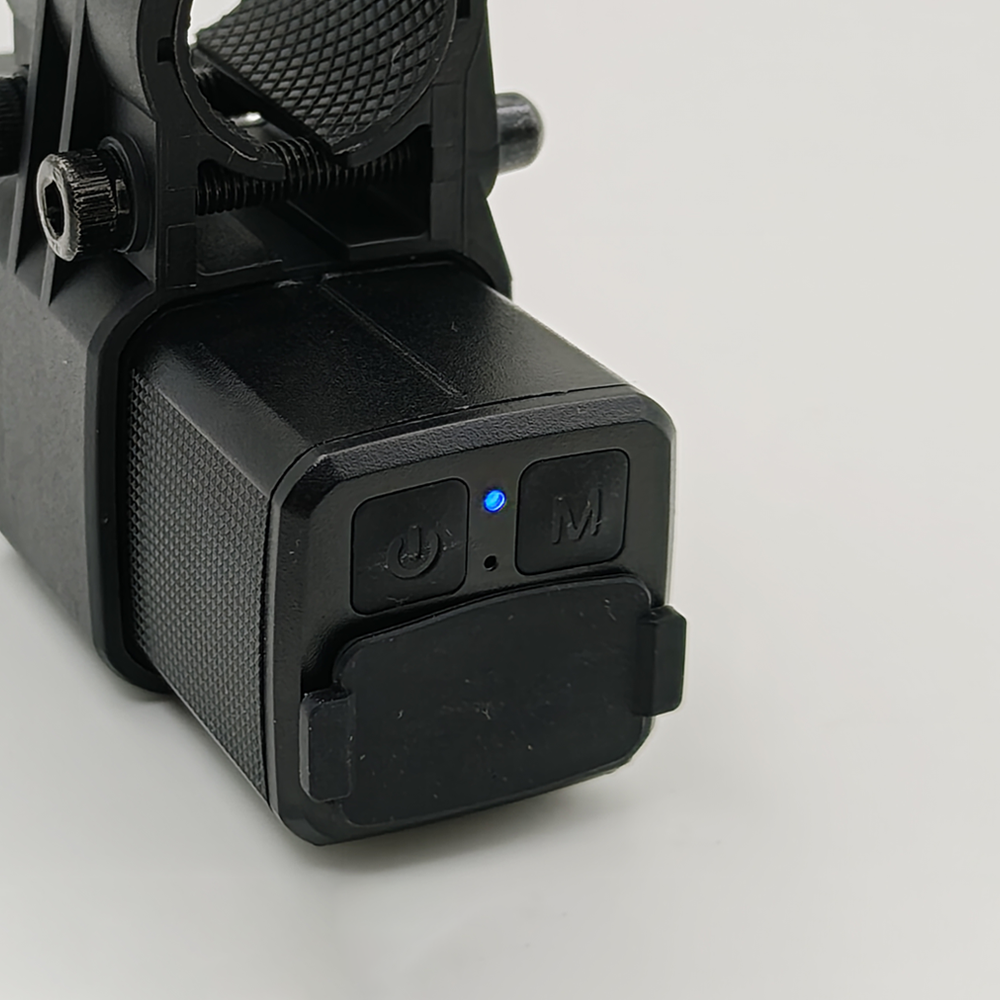
- Alternating Flashing Green & Blue Lights: The camera is in Power-Saving Mode. This mode helps conserve battery life when the camera is not in active use, extending your shooting time.
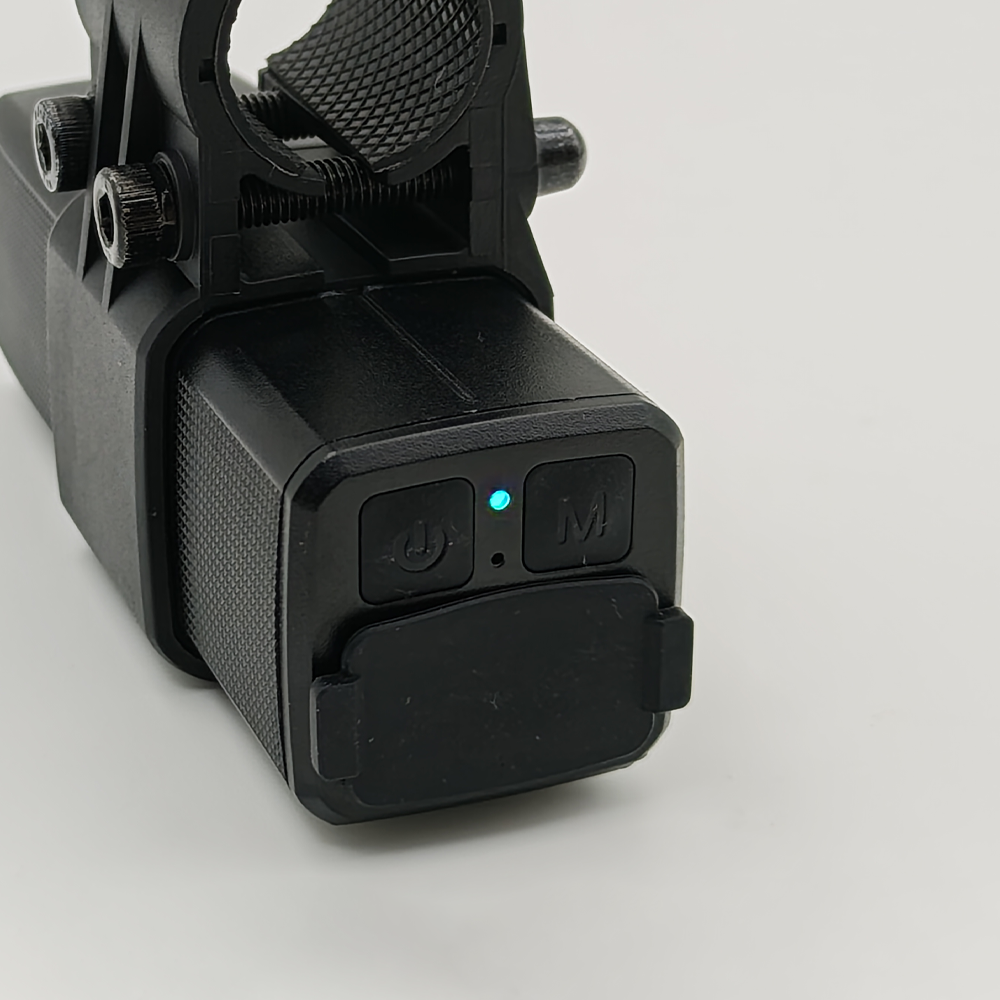
- Steady Light Blue Light: The camera is in Slow Motion Mode, ready to capture high-frame-rate clips. Use this mode for detailed, smooth slow-motion footage.
- Flashing Light Blue Light: The camera is currently recording in Slow-Motion Video mode. Your footage will be captured at a higher frame rate for smooth slow-motion playback.
Steady Deep Blue Light: The camera is in Photo Mode. It’s ready to take still photos—simply press the shutter to capture your shot.
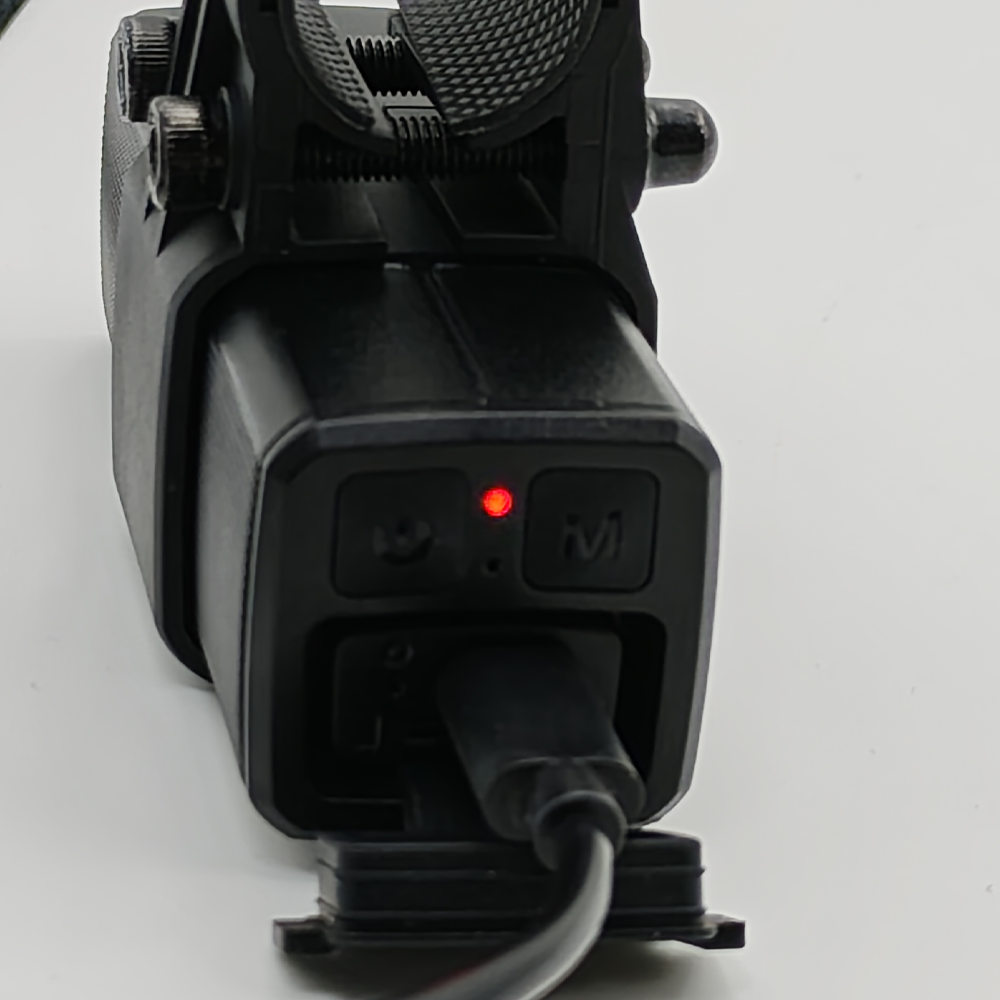
Red Light Indicator (Charging Status)
Steady Red Light: The camera is currently charging. Once the battery is fully charged, the red light will turn off—this lets you know your camera is ready to use without overcharging.
Pro Tip for FIREFLY Q8L Users
Final Thoughts
The FIREFLY Q8L’s signal light is designed to make your shooting experience easier and more efficient. By memorizing these simple color and blink patterns, you can quickly understand your camera’s status, manage battery life, and capture the perfect footage or photos every time. Whether you’re using the camera for personal use, vlogging, or casual shooting, this guide ensures you’ll never be confused by your FIREFLY Q8L’s signal light again.
If you encounter any other problems while using our camera, please contact our customer manager by emailing to Gavin@hawkeyefpv.com.cn. Once we receive your email, we will reply to you as soon as possible. Thank you for your support.
Welcome To Know Our Products
Get More Product Service Information
Follow us
We are the original manufacturer in China, we can provide OEM/ODM service, and give you the high quality products..


CONTACT US
Phone:+86 13424392856
Tel:+86 13424392856
Add:Room 303, Zhongzheng Fortune Building, 6093 Baoan Avenue, Fuyong Town, Shenzhen, Guangdong, China
E-mail:vikin@hawkeyefpv.com.cn