
• Home

  • Products

  • About us

  • Company News

  • Videos

  • DownLoad

  • CONTACT US

FIREFLY Q8L Shot-Triggered Recording


Published:

2026-02-10 16:09:14

Learn how the FIREFLY Q8L shot-triggered recording works—recoil-based activation, extended recording tips, sleep mode guidance, and FAQs to fix trigger issues for optimal use.

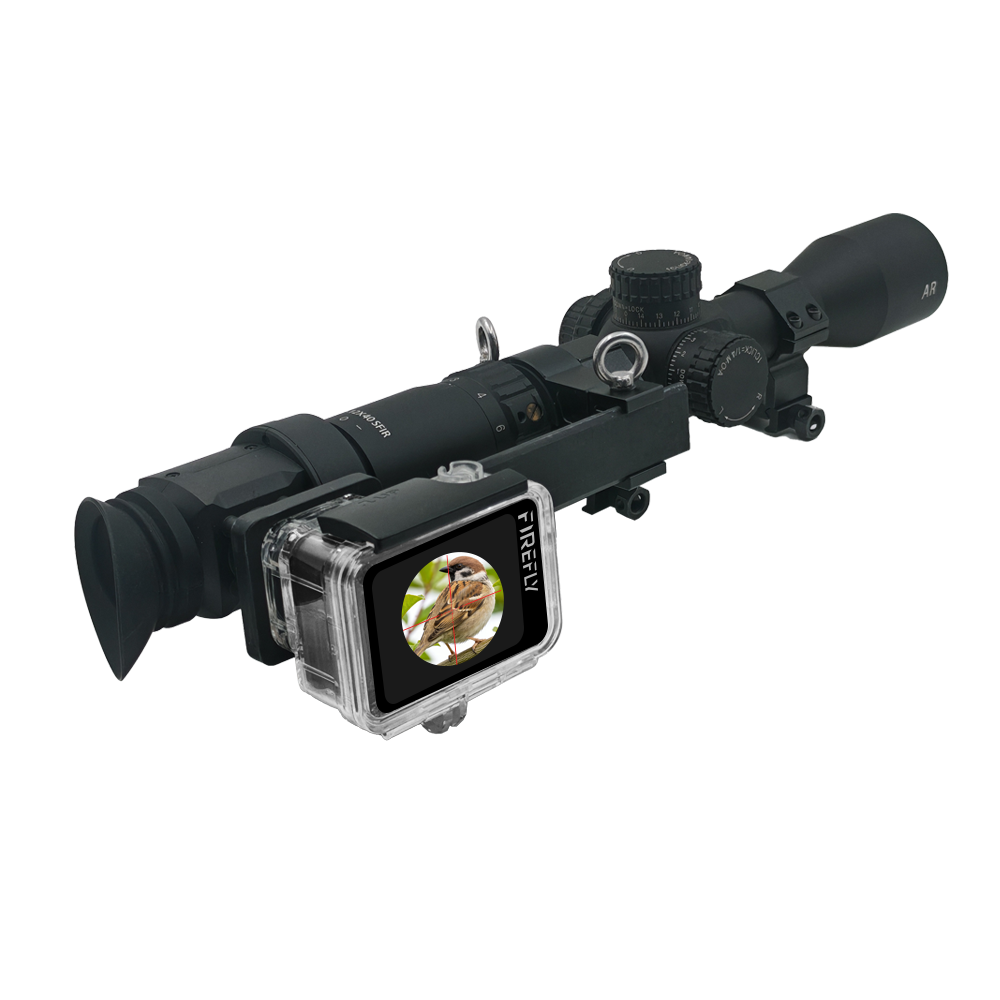
In this article, let’s explore the shot-triggered recording function of the FIREFLY Q8L, which enables automatic video recording when a shot is fired.
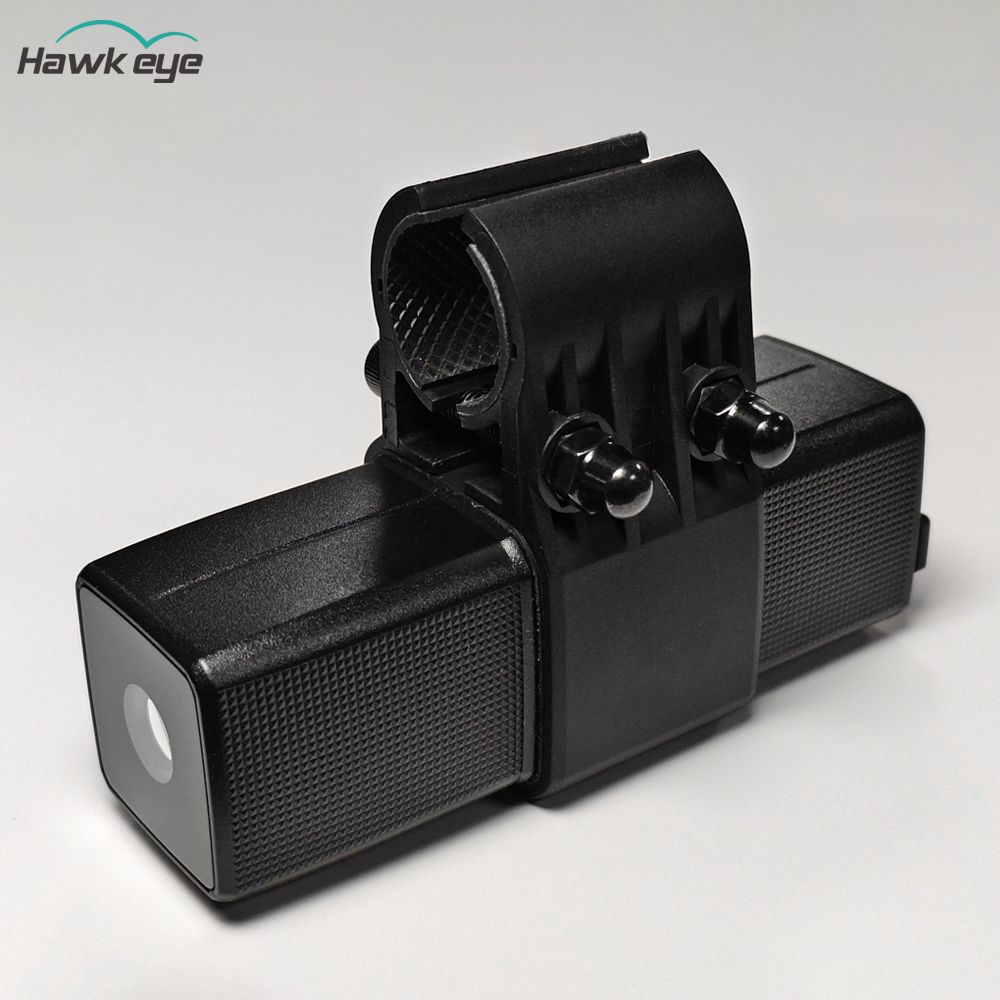
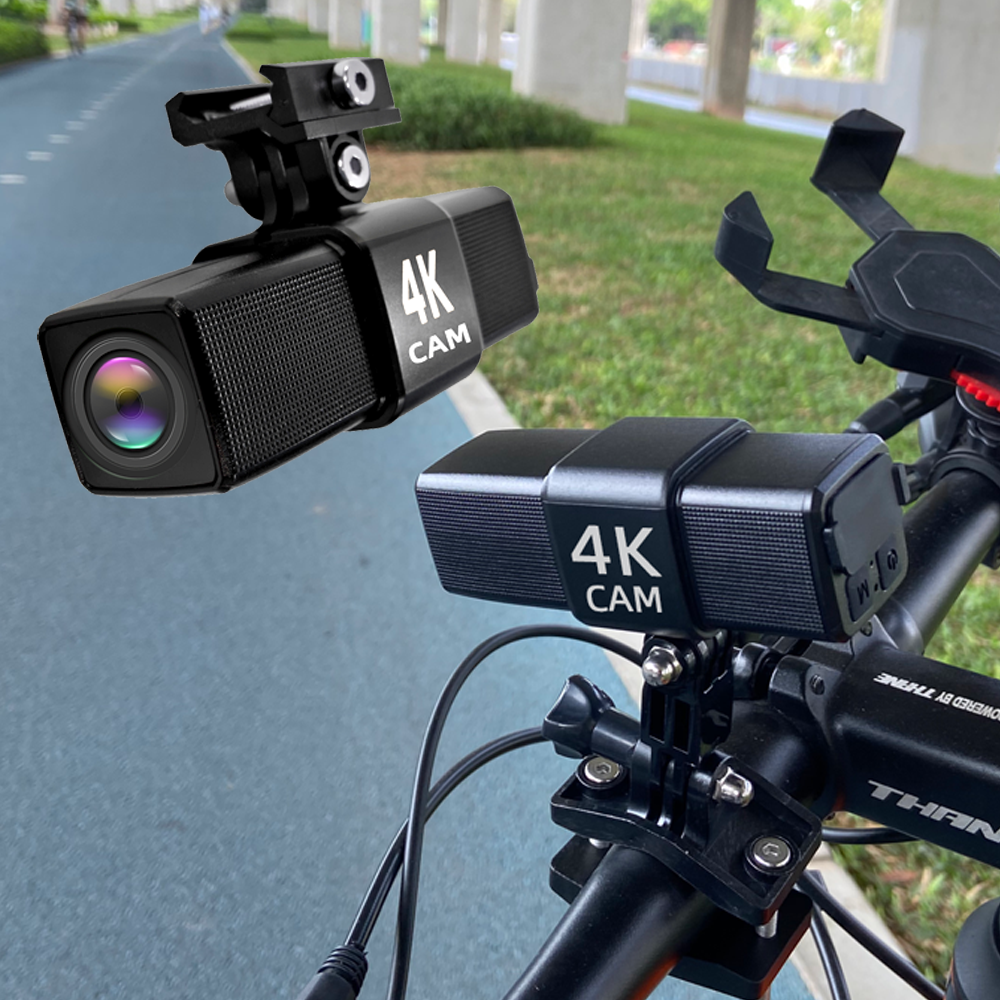
When we mount the camera on a gun, we turn on the camera and set it to video recording mode, where the camera’s green light remains on steadily.
In this mode, the camera continuously performs loop recording of 5-second video clips. When a shot is detected (based on the gun’s recoil), the camera will automatically save the previous 5-second video and continue recording for an additional 10 seconds (resulting in a total video length of 15 seconds). During recording, the camera’s light will flash green. This is the shot-triggered recording function.
If you need to record a longer video, you can fire another shot within 10 seconds after the first shot, and the camera will extend the recording time by another 10 seconds after the second shot. To continue extending the recording time, simply fire additional shots—this will keep the camera recording continuously until you stop firing.
For example, if you fire a second shot 5 seconds after the first one, the total video length will increase from 15 seconds to 20 seconds. If you fire a third shot 8 seconds after the second one, the total video length will increase from 20 seconds to 28 seconds.


FAQ

Why doesn’t the camera start recording when I fire a shot?
  1. The camera triggers recording based on the recoil of the shot. You can adjust the trigger sensitivity in the settings to resolve this issue.
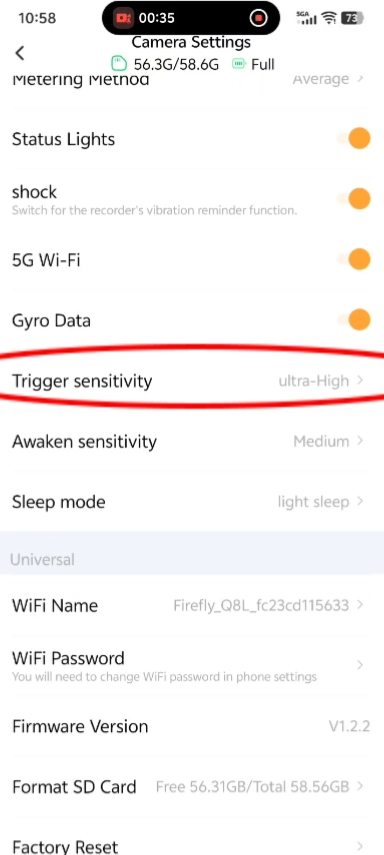
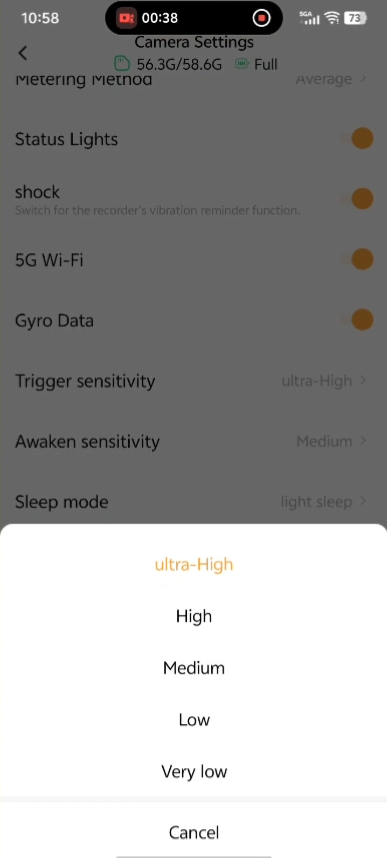
    FIREFLY Q8L Shot-Triggered Recording(图1)FIREFLY Q8L Shot-Triggered Recording(图2)

  2. The camera cannot trigger recording in sleep mode; you need to exit sleep mode first.

How to determine if the camera is in sleep mode?
If the camera’s light alternates between blue and green, it means it is in sleep mode.
How to exit sleep mode?

You can exit sleep mode by tilting the gun muzzle up or down. For deep sleep, it takes 1-2 seconds of operation, and recording can be triggered after 1-2 seconds; for light sleep, recording can be triggered after 0.5-1 second.

If you have any other questions, please contact us for feedback. After receiving your message, we will reply to you as soon as possible.

Gavin@hawkeyefpv.com.cn


Customer service hotline

Hotline:+86 13424392856

Time:8:00 - 24:00